

Modern Caribbean medical practice reception and consultation spaces

NEPractice / Healthcare technology

Medical Practice
Management & EHR

Connect the business of your practice
with the delivery of care.

MicroAntix helps practices in the British Virgin Islands explore a more coordinated approach to appointments, clinical documentation and practice administration.

Organized appointments
Connected clinical records
Coordinated administration

A platform built around your practice

One connected view.
Less fragmented work.

From a solo practice to a multi-clinician group, the right system should fit how your team works. NEPractice brings clinical and administrative functions together in a modular platform, helping practices organize the information and activities surrounding each visit.

MicroAntix starts with your requirements: appointment flow, documentation, ordering, billing and the technology behind them. We help you assess the fit, identify dependencies and plan a practical path forward.

Explore practice capabilities

NEPractice capabilities

The working parts of a connected practice.

Explore the clinical and administrative workflows that can be brought together. Configuration and available integrations are confirmed against your practice’s requirements.

01 / Practice coordination

A more organized appointment journey.

Scheduling connects clinician availability, treatment requirements and the spaces your practice uses. NEPractice supports scheduling and booking changes around these operational needs.

  • Review how appointments are booked, moved and managed.
  • Consider clinician schedules, rooms and visit types together.
  • Define front-desk workflows before configuration.
Implementation focus

Map your actual appointment process, including exceptions and staff responsibilities, rather than simply reproducing a paper diary on screen.
02 / Clinical documentation

Keep the record connected to the visit.

NEPractice’s charting functions support visit documentation within the wider practice workflow. Its modular approach allows the EHR experience to be considered around the needs of the practice.

  • Review documentation requirements and commonly used templates.
  • Consider how chart information connects with charge entry and billing.
  • Agree how existing records will be reviewed for migration.
Implementation focus

Involve clinical users in template and workflow decisions. Record quality and appropriate access depend on both configuration and working practices.

03 / Prescribing workflow

Bring prescription documentation into the process.

Electronic prescribing functions can support a more structured alternative to handwritten prescription entries. The workflow should be evaluated alongside how your practice communicates with dispensing providers.

  • Discuss prescription-entry and review requirements.
  • Identify any pharmacy connectivity or interface dependencies.
  • Confirm the available functionality for your location and configuration.
Implementation focus

Confirm local requirements and supported pharmacy arrangements before adopting electronic transmission. Software does not replace clinical judgment.

04 / Laboratory coordination

Connect ordering with the information that follows.

NEPractice includes laboratory-order workflows, with results integration dependent on the relevant systems and supported connections. Planning starts with the laboratories your practice actually uses.

  • Map the process for requesting investigations.
  • Assess laboratory interface and result-return requirements.
  • Define ownership of review, follow-up and exception handling.
Implementation focus

Validate integration scope and data handling with the relevant vendors. Do not assume every external laboratory can connect automatically.

05 / Diagnostic ordering

Make imaging requests part of the wider workflow.

The platform’s order-entry capabilities include imaging orders. A useful implementation considers how requests are created, communicated and linked to the clinical record.

  • Review the imaging services and providers involved.
  • Clarify order-entry and supporting-document requirements.
  • Confirm any external-system connection and reporting needs.
Implementation focus

Agree the supported ordering workflow and interfaces. Imaging-order functionality should not be assumed to include every image-storage or diagnostic-viewing capability.

06 / Practice administration

Connect clinical activity with billing administration.

NEPractice brings charting, charge entry and posting into a connected practice-management environment. The billing setup needs to reflect how your organization records services and manages accounts.

  • Review service items, charging and payment workflows.
  • Assess the connection between clinical documentation and billing.
  • Confirm reporting and any third-party processing requirements.
Implementation focus

Validate local billing requirements and available interfaces before launch. Agree administrative checks and responsibilities alongside the software configuration.

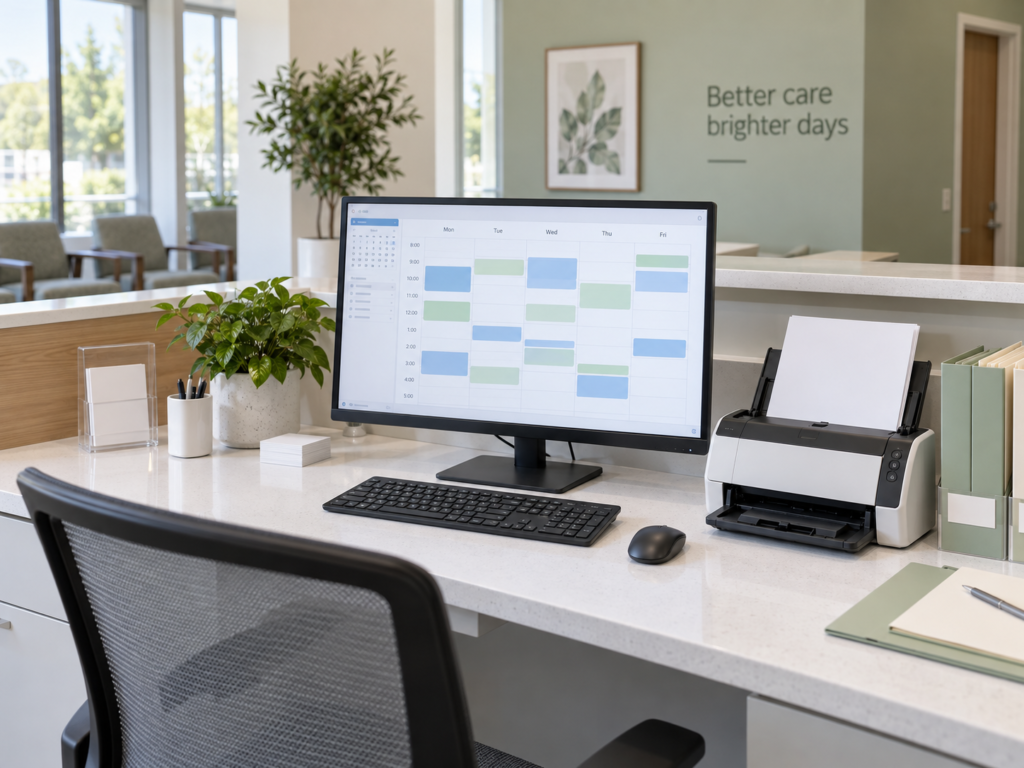
Feature descriptions are an overview. Modules, licensing, interfaces and deployment requirements should be confirmed during consultation. Illustrative imagery is not a NEPractice product screenshot.

Illustrative medical practice administration workspace with scheduling display and document scanner
A coordinated environment for clinical and administrative work.

From requirements to daily use

A considered rollout.
A supportable system.

Successful adoption involves more than software. MicroAntix helps connect the practice’s requirements with the devices, connectivity and support arrangements needed to operate the system.

  1. 01

    Discover & assess

    Review workflows, user roles, existing systems, record formats and the scope of the project.

  2. 02

    Plan & configure

    Agree modules, responsibilities, infrastructure needs and any vendor or integration dependencies.

  3. 03

    Validate & prepare

    Plan testing, data checks, user guidance and a transition window that suits practice operations.

  4. 04

    Support & improve

    Define support ownership, maintenance arrangements and a process for reviewing issues after launch.

The technology around the application

Build on a dependable foundation.

Practice software is one part of the environment. Infrastructure and information-handling requirements need attention from the outset.

Access & information protection

Review user roles, account ownership, endpoint protection and staff practices. Security controls should reflect the sensitivity of the information handled and your organization’s requirements.

Connectivity & readiness

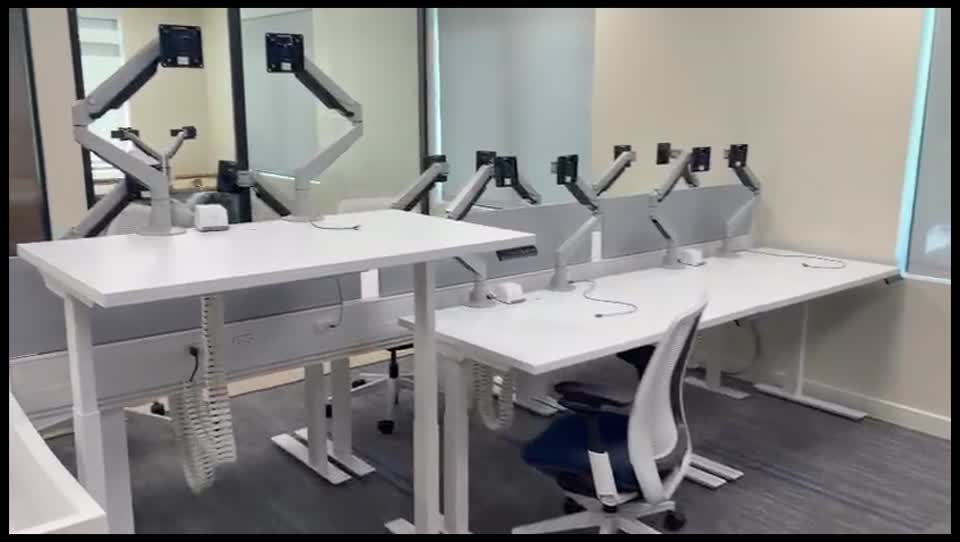
Assess workstations, networking, internet dependencies, printers and scanners against the deployment requirements. Resolve critical infrastructure gaps before they affect everyday use.

Continuity & support

Clarify backup responsibilities, recovery expectations and escalation contacts. Agree a practical downtime process alongside the software and hosting arrangements.

Common questions

Plan with clarity.

Support for practices in Tortola, Road Town, Virgin Gorda, Anegada and Jost Van Dyke, with delivery arrangements scoped to your location and needs.

Ask MicroAntix

Can the system fit a smaller practice?

The existing NEPractice offering is positioned for both individual clinicians and larger groups. We review your workflows, users and required modules to help assess the appropriate scope.

Can existing records be moved?

Migration depends on your current system, available exports, record quality and the target platform’s supported import options. A migration assessment should establish the scope, validation process and any work that must be handled separately.

Will it connect to our laboratory or pharmacy?

Connections depend on supported interfaces and the systems used by each provider. We identify the relevant vendors and confirm the integration requirements before including a connection in the project scope.

What should we prepare for a consultation?

Bring an overview of your practice, user numbers, current software, devices, connectivity and the workflows you want to improve. Use non-sensitive examples; do not send patient records through the general contact form.

Your next step

Let’s understand your practice.

Discuss your workflows, priorities and technology requirements with MicroAntix.

Request a consultation