Accounts & access
Help employees reach the resources they are authorized to use.
- Identity checks before password or MFA assistance
- Account unlocks and sign-in troubleshooting
- Permission changes with the correct approval


People-focused support / British Virgin Islands
A clear route from an IT problem to practical help. Support for the devices, accounts and applications your employees use every day.
Existing clients: use your agreed support channels and escalation contacts. Never send passwords or payment-card details in a support request.
IT help desk services in the BVI
When someone cannot sign in, print, join a meeting or access a business application, they need clear guidance and an accountable next step. MicroAntix provides remote and on-site end-user support that connects technical troubleshooting with the employee’s actual task.
We help new starters get ready, resolve everyday faults and manage requests throughout the employee lifecycle. Your staff receive understandable updates, while managers gain visibility into recurring problems and the improvements that will reduce repeat calls.
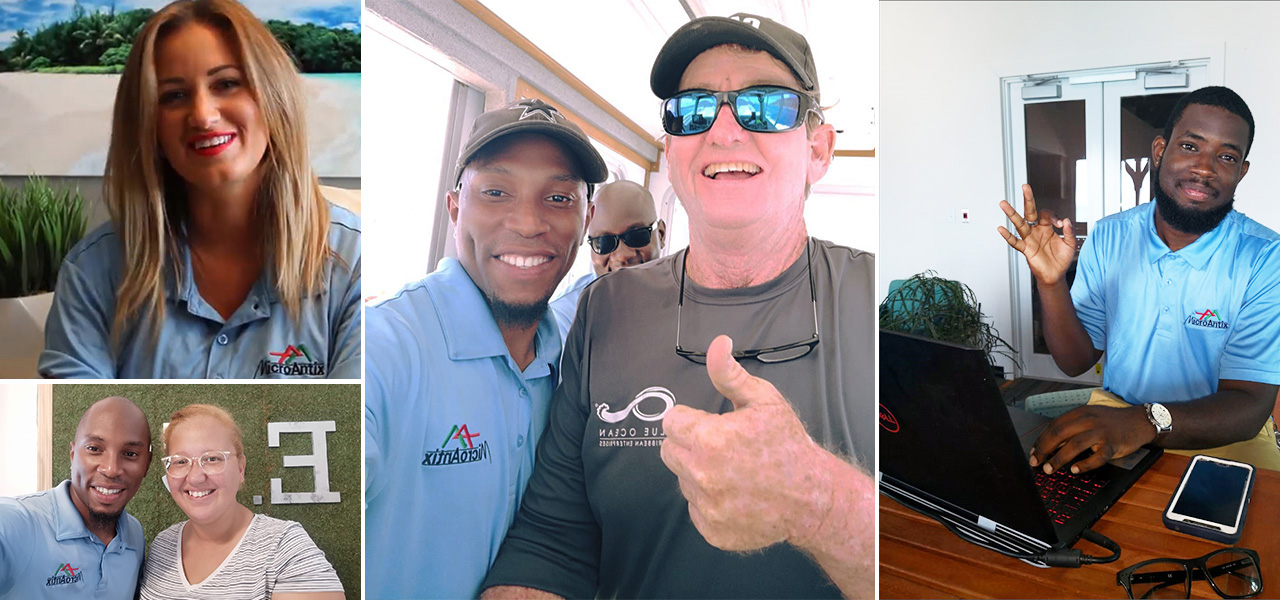 View photograph
Support catalogue
Coverage is tailored to your workforce, supported systems and operating hours.
How a request is handledHelp employees reach the resources they are authorized to use.
Resolve the device issues that interrupt daily work.
Keep communication and collaboration working.
Connect user symptoms to the underlying network.
Manage technology access as people join, move and leave.
Help staff take the right action when something looks wrong.
Investigate the technical environment around your business tools.
Turn repeat problems into practical improvements.
The support experience
The process gives users a point of contact and your business a traceable record of the work.
Use the agreed phone, email or ticketing channel. Include the affected user or device, the error and the business impact without sharing secrets.
A technician reviews urgency, checks the scope and identifies whether the issue affects an individual, a department or a critical service.
Remote assistance, guided troubleshooting, specialist escalation or an on-site visit is coordinated as appropriate. Required approvals are requested.
We check the result with the user where practical, document the resolution and flag repeated incidents for a longer-term fix.
A site-wide outage is not treated like a routine installation request. Priority categories, escalation contacts and communication expectations are agreed as part of your service.
Account access, sensitive changes and remote sessions follow the agreed authorization process. Staff should never be asked to disclose a password to bypass identity verification.
For managers and internal IT
We help define who can approve access, purchases and configuration changes. Service reviews can identify repeat incidents, outstanding requests and opportunities to improve the employee experience.
Many software, account and configuration issues can be investigated remotely with appropriate access. Physical faults, replacements and site-specific problems may require a visit. Travel, availability and any work outside the agreed scope are confirmed before dispatch.
We review changes in staff numbers, sites, devices and applications so that coverage stays aligned with the business. New users, office moves and seasonal operations can be planned instead of handled as last-minute exceptions.
Agreed support information can include device ownership, recurring fixes, application contacts and approved access workflows. Documentation helps maintain continuity when staff change or an incident needs escalation.
We can coordinate with application vendors, internet providers and warranty teams. Third-party subscriptions, specialist development, replacement equipment and project work are included only where specified in the agreement.
Connected across the BVI
Professional practices, hospitality teams, retail businesses, clinics and growing offices each have different working patterns. We build support around the devices and systems your staff depend on, including users working across locations or away from the main office.
We support organizations in Road Town and across Tortola, Virgin Gorda, Anegada, Jost Van Dyke and other British Virgin Islands locations. Remote access, site visits, transport and maintenance windows are coordinated around each engagement.
Common questions
Discuss your environment with our BVI team. We will confirm the scope, responsibilities and support arrangements before work begins.
Yes. We agree the supported devices, applications and remote-access arrangements for each group. Some issues can be resolved remotely; hardware faults or local connectivity problems may need on-site work.
Yes. A co-managed arrangement can define first-line support, specialist escalation, approvals and ownership of documentation. The objective is a clear handoff rather than two teams duplicating work.
Response targets, service hours and priority definitions are confirmed in the support agreement. They depend on business impact and the coverage selected; this page does not promise a universal response time.
Yes. We can manage approved account changes, device preparation, application access and offboarding tasks. Your authorized contact confirms access rights and any data-retention or handover instructions.
Provide a brief description, contact details, the affected device or application, relevant error messages and the impact on work. Do not include passwords, MFA codes, full payment-card details or unnecessary confidential information.
Start a conversation
Let us review your workforce, applications and support priorities, then agree a practical service for your business.
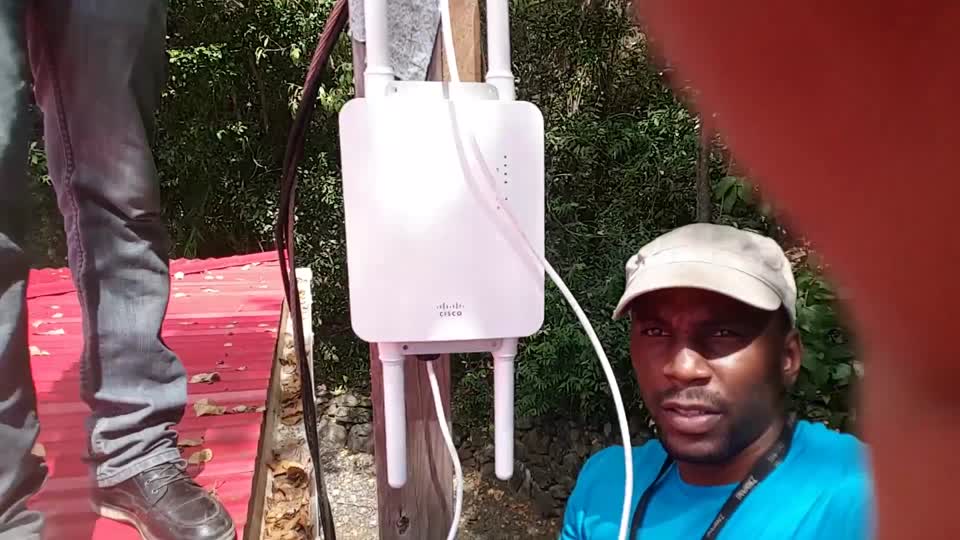
People and projects / On location
Step beyond the help desk overview and meet MicroAntix through onsite footage of our team working across business and property environments.
Meet your local technology teamCopyright © 2026 MicroAntix. Designed and Developed by MeeraTek Infosoft