Entrances & exits
Position cameras for useful views of approach and movement, while accounting for backlighting, doorway geometry and mounting constraints.

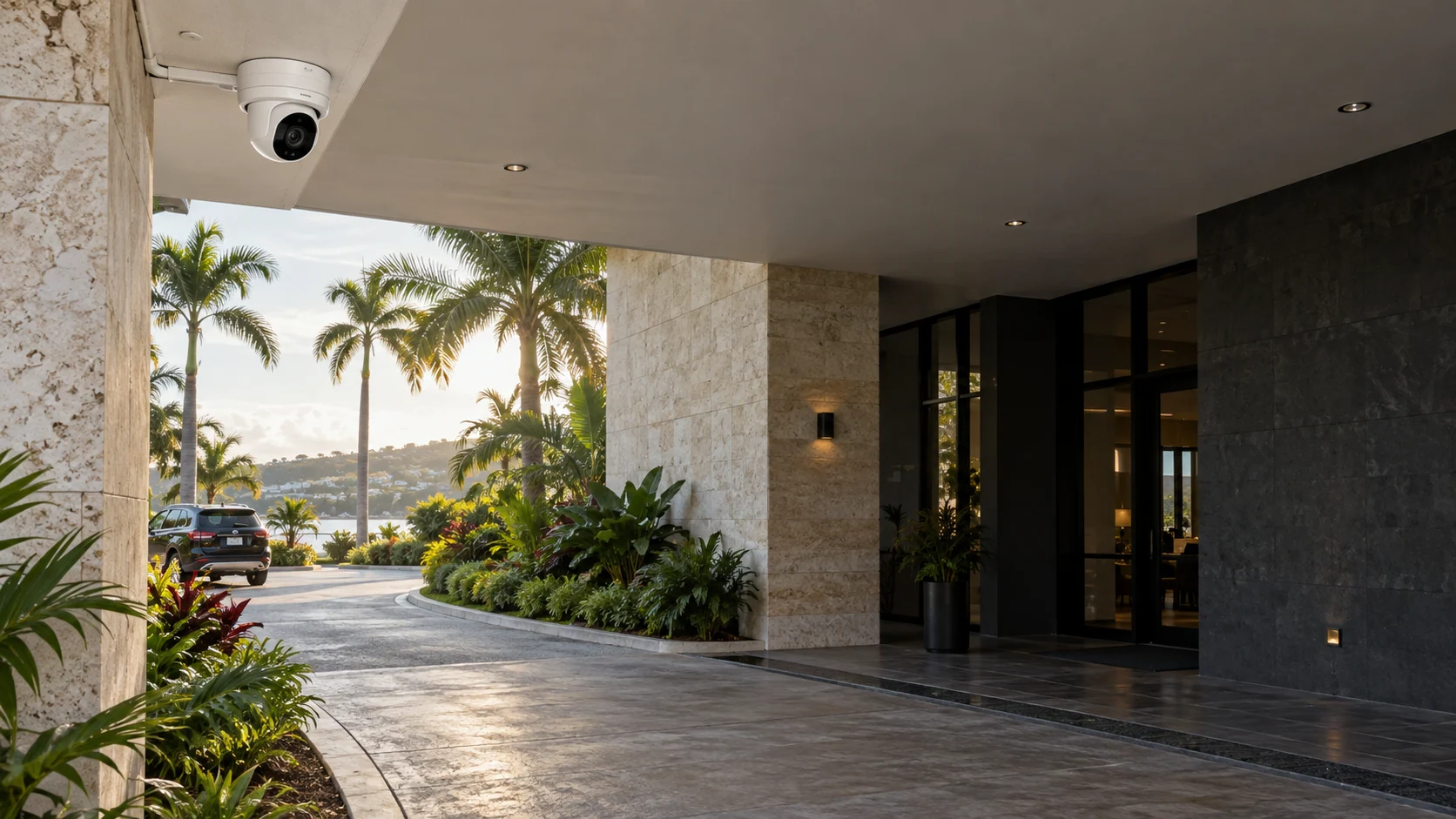
Property visibility / British Virgin Islands
See the areas that matter. MicroAntix designs, installs and maintains camera systems with practical coverage, dependable recording and controlled access.
Start with the property
A high-resolution camera in the wrong position can still miss important detail. We identify what each location needs to show: an approaching vehicle, a doorway, a transaction area, a shared space or a perimeter. That purpose guides camera type, lens, mounting height, lighting and recording settings.
The survey also considers privacy-sensitive areas, neighboring premises and authorized viewing responsibilities. Coverage recommendations are reviewed with the property owner before equipment is installed.
Position cameras for useful views of approach and movement, while accounting for backlighting, doorway geometry and mounting constraints.
Review distance, vehicle movement and nighttime lighting. Specialized plate capture requires a separate assessment rather than an assumption that any camera can read plates.
Plan views around reception, customer areas, stock handling and agreed operational risks without treating every workspace as an appropriate surveillance area.
Assess weather exposure, foliage, illumination, cable routes and maintenance access. Seasonal growth and changing light can affect an initially clear view.
Surveillance installations in the field
Purposeful coverage, dependable recording, and systems that are practical to operate.
Go on site with MicroAntix as security camera infrastructure is installed for properties and businesses in the British Virgin Islands. A successful surveillance deployment involves more than mounting a camera: device placement, protected cable routes, PoE network connectivity, lighting conditions and recorder configuration all need to work together.
Our team coordinates each stage from the agreed coverage plan through cabling, camera mounting, network setup, recording and final testing. We review live views, playback, user permissions and key settings with authorized personnel so the completed installation can be supported and maintained with confidence.
Recording, retrieval, responsibility
We calculate recording requirements using the camera count, image settings and target retention period. NVR or platform-based recording is selected around the property, with drive-health checks and resilience options considered from the start. Storage capacity alone is not a guarantee of continuous recording.
We configure sensible camera names, reliable time settings and permissions for live viewing, playback and export. Handover explains how authorized staff locate a time period and preserve a relevant clip without granting everyone full administrator access.
Named accounts, least-privilege roles, supported authentication controls and a reviewed remote-access method help protect the surveillance environment itself. Where cloud archiving is appropriate, availability, bandwidth, recurring charges and retention are confirmed for that platform.
Platform selection
We evaluate established camera and recording platforms, including Ubiquiti UniFi Protect and other suitable commercial IP systems, against image requirements, management preferences and the existing network. Device interoperability, licensing and availability are checked during specification; brand names alone do not establish compatibility.
Analytics such as motion zones, object detection or line-crossing alerts are configured only where supported and useful. Their accuracy depends on conditions and tuning. Alerts assist staff; they do not replace supervision, incident procedures or emergency services.
Lifecycle support
We can document maintenance findings and recommend prioritized improvements. Repairs, replacement parts and response commitments are set out in the support arrangement.
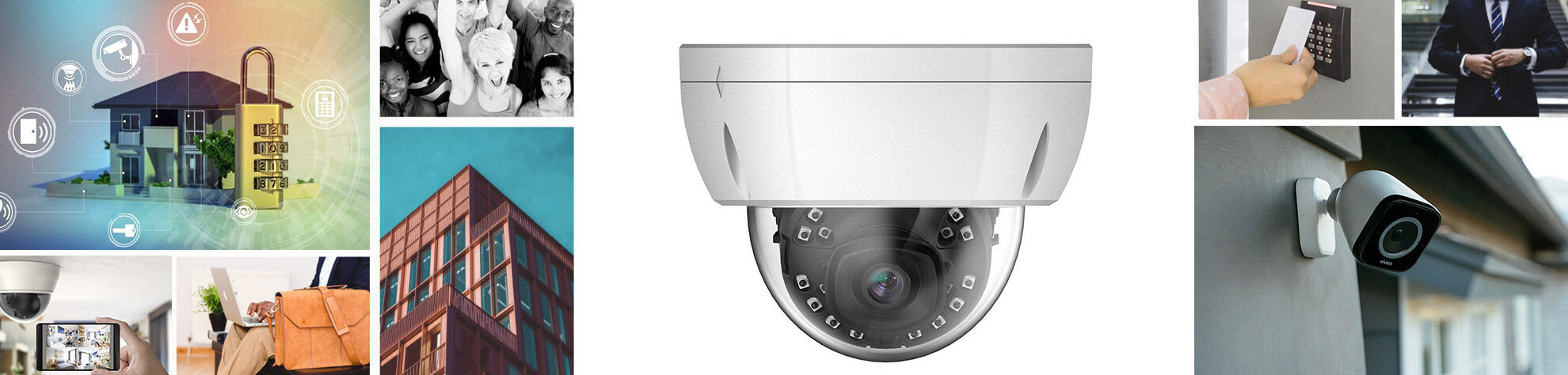 View image
A connected property
Camera traffic, recorder access and management should be planned alongside business networking. We assess switch capacity, uplinks, cable distances and power budgets so surveillance does not become an unmanaged addition to the office network.
Where compatible, door access and intercom systems can complement video review. We define what information is shared, who can access it and how the workflow will be used. Privacy, retention and disclosure policies remain decisions for the organization with its appropriate advisers.
Common questions
Clear scope, practical expectations and a service designed around your organization.
Yes. We assess camera condition, cabling, network capacity, recorder compatibility and image quality. An upgrade may reuse suitable infrastructure, but compatibility and the value of retaining older equipment must be checked first.
Retention depends on the number of cameras, resolution, frame rate, recording schedule, compression and usable storage. We size the system against an agreed target and verify actual performance after installation instead of promising a fixed duration for every system.
Supported systems can provide controlled remote viewing. We configure named accounts and appropriate permissions, and confirm internet requirements and available authentication features. Secure access is preferable to exposing recorder management directly to the internet.
Recording depends on power, the local network and recorder availability. Backup power and suitable local recording can improve resilience, while remote viewing normally needs connectivity. The expected behavior is documented for the proposed design.
Maintenance can include camera cleaning, image and recording checks, storage-health review, supported updates and fault investigation. Visit frequency, replacement equipment and support response are agreed separately.
British Virgin Islands
BVI properties face a combination of bright sunlight, salt air, exposed locations, variable connectivity and changing occupancy. We consider these conditions when planning equipment placement, protective measures and maintenance for offices, retail premises, villas, resorts and residential properties.
MicroAntix coordinates discovery, implementation and ongoing assistance around your operating hours, site access and agreed support arrangements. For multi-island work, travel, equipment availability, connectivity and maintenance windows are addressed in the project plan.
Plan your next step
Share your locations, existing equipment and recording priorities. We will help turn them into a practical coverage and support plan.
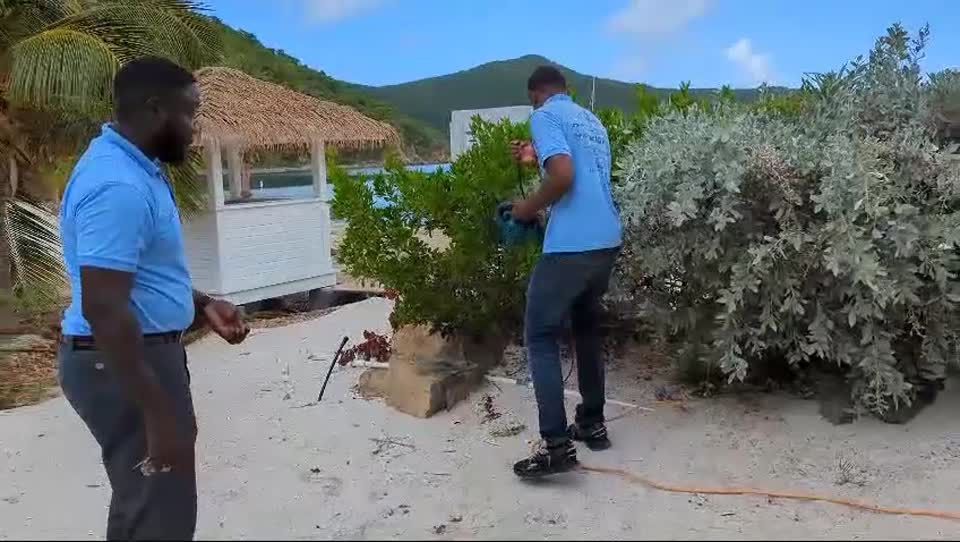
Local expertise / Delivery perspective
View our broader installation environments, including hospitality and island locations, for context on site access, cabling and equipment coordination.
Explore property installation settingsCopyright © 2026 MicroAntix. Designed and Developed by MeeraTek Infosoft